
How to stop missing client messages across email, chat, and WhatsApp
Build a client communication workflow across email, Slack, WhatsApp, Signal, and project tools so fewer replies slip through and trust stays intact.
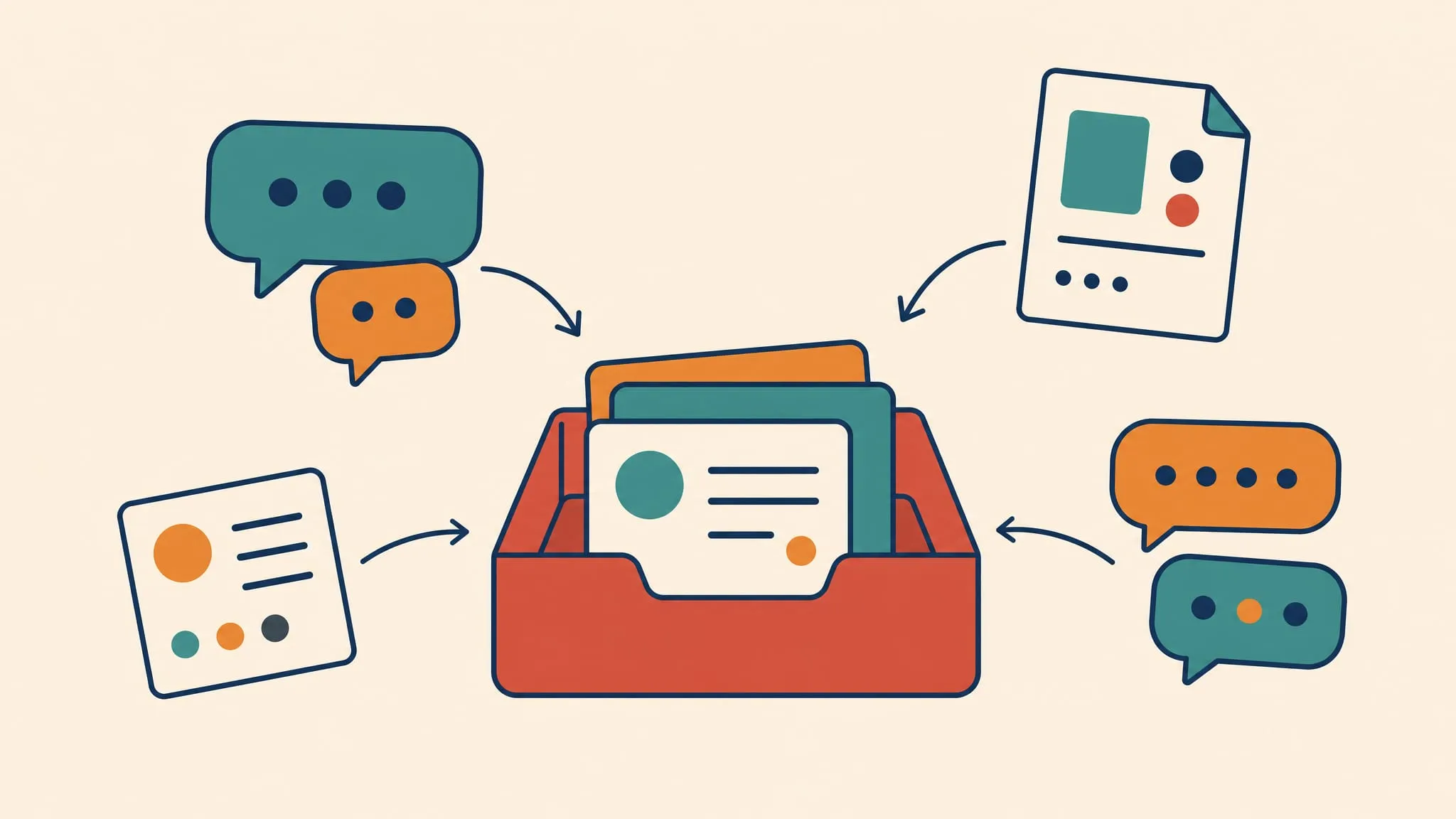
If client work lives across email, Slack, WhatsApp, Signal, and project tools, the real problem is not volume. It is knowing what you owe each client before something slips.
The problem is lost client context
A missed client message rarely feels dramatic at first.
It starts small. A client sends the signed PDF by email. Another leaves a WhatsApp voice note because it is faster than typing. A third asks a budget question in Slack Connect. A privacy-sensitive contact follows up in Signal. Each message makes sense on its own. Together, they become a bad operating system.
The work is no longer in one inbox. It is spread across apps, accounts, notification styles, and habits. That is why a normal Monday can feel like detective work. You are not asking, “Do I have messages?” You are asking, “What changed for ACME since Friday, what is blocked, and who is waiting on me?”
That distinction matters. Microsoft calls this kind of overload “digital debt”: emails, meetings, chats, and notifications arriving faster than people can process them. In its Work Trend Index, Microsoft surveyed 31,000 people in 31 countries and found that 64% struggle to find the time and energy to do their job, 68% do not have enough uninterrupted focus time, and 62% struggle with too much time spent searching for information 1.
For client-facing work, the cost is sharper. Project.co found that 53% of people have wasted time because of communication issues, 46% have missed messages, 25% have seen poor customer experience, and 16% have lost customers to competitors because communication broke down 2.
The risk is not abstract app overload. It is missed context, missed replies, and trust lost in the gaps.
That is the buyer problem. Not “too many apps.” Not “bad discipline.” The problem is that your clients choose the channel, but you carry the responsibility.
Map channels by job, not by brand
Most client communication systems fail because they start with tools.
Email. Slack. WhatsApp. Signal. Asana. Notion. Linear. Trello. Another client portal you log into twice a month.
That list is true, but it is not useful. It tells you where messages live. It does not tell you what each message means.
Start with the job each channel tends to perform:
- Email carries formal decisions, files, invoices, intros, and anything someone may need to search later.
- Slack or Teams carries active project discussion, quick approvals, and shared team context.
- WhatsApp carries urgent, relationship-heavy, often mobile-first messages.
- Signal carries sensitive threads where privacy matters more than convenience.
- Project tools carry status, owners, deadlines, and durable project truth.
This map gives you a calmer rule: the app is not the unit of work. The client obligation is.
If ACME sends a pricing approval by email, a launch date change in Slack, and a quick “can we talk?” on WhatsApp, those are not three separate problems. They are one client state. Your job is to answer the state, not to win inbox zero in three apps.
Your clients choose the channel. You carry the responsibility to make sense of it.
That also keeps project tools in the right place. A project tool is useful when the work needs shared status. It is poor at replacing human habits. Clients still reply where they are already working. They still send a fast WhatsApp message from a train. They still forward a signed document by email because legal asked them to.
So the practical rule is simple: use project tools for truth, but do not pretend every client message will start there.
Sort by client and obligation
Once the channels are mapped, your daily pass should answer one question:
What do I owe each client?
Not “what is unread?” Unread is a weak signal. Newsletters are unread. FYI threads are unread. A Slack emoji reaction can be unread. The useful categories are more direct:
- Waiting on me
- Waiting on the client
- Decision needed
- File or asset needed
- FYI only
- Risk or escalation
Run the pass client by client. Start with the accounts where a missed reply would hurt trust. Open their email, chat, WhatsApp, Signal, and project space as one client context. Then classify open loops.
This changes the shape of the work.
Instead of scanning five apps and hoping nothing matters, you build a short obligation list:
- ACME: send revised quote, waiting on legal redlines, Nina asked for a call window.
- Henderson: client owes product photos, internal designer needs final copy.
- Studio North: WhatsApp note says launch moved to Wednesday, update project timeline.
- Private client: Signal thread needs a careful reply, no AI summary, no forwarding.
That list is what you work from. The apps become source material.
This is also where missed replies stop hiding. If you only check Slack, you miss the email. If you only clear email, you miss the WhatsApp voice note. If you only watch project tools, you miss the human message that never became a task.
Harvard Business Review has written about application toggling as a real workplace cost, not just an annoyance 3. We have made the same argument: context switching is a productivity tax nobody tracks. But for client-facing work, the cost is not only the seconds lost while switching. It is the obligation lost between switches.
Keep one daily catch-up surface
You do not need every client to move into one portal. You need one reliable place to start your own catch-up.
That surface can be simple. It should show the channels you actually use. It should keep accounts signed in. It should let you move from Client A's Slack to Client A's email without rebuilding context in your head. It should make the question "what changed?" easier to answer.
This is where Franz fits.
Franz does not ask your clients to change tools. It is an all-in-one messenger in the practical sense: one desktop workspace for the tools they already use, including email, Slack, WhatsApp, Signal, and the other services that carry the day. You can group services around how you work, keep accounts separate, and use one catch-up ritual instead of chasing messages across browser profiles, native apps, and half-forgotten tabs.
Make the first pass boring
Use a morning pass:
- Open your client workspace.
- Check the highest-risk clients first.
- Look across every channel they use with you.
- Convert messages into obligations.
- Reply where a fast holding note protects trust.
- Move durable project state into the project tool.
A good holding reply is underrated. "Saw this. I'm checking the numbers and will come back by 15:00" often protects more trust than a perfect answer sent two days late. Clients usually do not need instant perfection. They need to know they are not forgotten.
That is why the catch-up surface should reduce search, not add another inbox. Microsoft found that Microsoft 365 users spend 57% of their time communicating and 43% creating 1. If your catch-up tool creates more places to inspect, it has failed. If it makes the existing places easier to inspect, it earns its keep.
Use AI carefully around client trust
AI can help with catch-up. It can summarize a long thread, turn a voice note into text, draft a first reply, or pull action items from a messy morning.
But client communication is not just text processing. It is trust.
Salesforce reports that 71% of customers feel increasingly protective of their personal information, 64% believe companies are reckless with customer data, and 72% say it is important to know if they are communicating with an AI agent 4. Zendesk also reports that 63% of customers say their demand for transparency has risen, and 85% of CX leaders say customers will drop brands over unresolved issues 5.
That does not mean “never use AI.” It means use AI in the right role.
Good use:
- Summarize a long internal thread before you reply.
- Transcribe a voice note so you can act on it.
- Draft a holding reply you review before sending.
- Extract open loops from yesterday's client messages.
Bad use:
- Pretend an automated answer is your own judgment.
- Feed sensitive client content into tools you do not trust.
- Let a summary replace reading the source before a high-stakes reply.
- Promise response quality you cannot personally stand behind.
The clean rule: AI can help you see the work. You still own the reply.
That rule is especially important for Signal and private client threads. Some conversations belong in a stricter lane. Mark them that way. Keep summaries local when possible. Do not copy sensitive context into a shared tool because it saves two minutes.
Client communication gets better when it becomes calmer. It gets worse when speed hides responsibility.
Keep the system small
The best client communication system is boring.
One place to start. One pass per day. One obligation list. One project truth. One privacy rule.
Do not build a dashboard no one will maintain. Do not force every client into your favorite project tool. Do not make your team copy every WhatsApp message into a ticket system unless the work truly needs it. That creates theater, not clarity.
Use this checklist instead:
- Every active client has a known set of channels.
- Each channel has a job: decision, fast reply, sensitive thread, status, or file.
- You check by client, not by app.
- Every message becomes one of six states: waiting on me, waiting on client, decision needed, file needed, FYI, or risk.
- You have one daily catch-up surface for email, chat, WhatsApp, Signal, and project tools.
- Fast holding replies protect trust when the full answer needs time.
- Durable project state moves into the project tool.
- Sensitive threads have a clear privacy rule.
- AI helps summarize and draft, but you review before anything leaves.
If you run client work across multiple channels, the goal is not to make clients behave like one team. They will not. The goal is to make your side reliable anyway.
Franz is built for that kind of work. Keep the tools your clients already use. Put them in one calmer workspace. Start each day by asking what changed, what is blocked, and who is waiting on you.
That is how fewer messages slip. Not because communication gets smaller, but because your system stops treating every app as a separate world.
- client communication
- missed messages
- messaging overload
- email workflow
- client work
Related reading
Add Slack, WhatsApp, and Signal to One Window
Add Slack, WhatsApp, Signal, email, and more to one Franz window so every account stays signed in, separated, and reachable from one sidebar.
How Dedicated Workspaces Prevent Multi-Client Mix-Ups
Dedicated Franz workspaces keep client services, notifications, and context apart so freelancers and teams avoid costly multi-client mix-ups.
5 Communication Patterns That Protect Deep Work
Protect deep work with five communication habits: scheduled message blocks, clearer asks, channel fit, predictable replies, and faster loop closing.
Why Knowledge Workers Lose 11+ Hours a Week to Email
Knowledge workers lose 11+ hours a week to email, search, and app switching. See where the time goes and how one Franz workspace cuts the overhead.
Sources
- 1. Will AI Fix Work? · Microsoft WorkLab · 2023-05-09 ↗
- 2. Communication Statistics 2026 · Project.co · 2026-01-01 ↗
- 3. How Much Time and Energy Do We Waste Toggling Between Applications? · Harvard Business Review · 2022-08-29 ↗
- 4. State of the AI Connected Customer · Salesforce · 2026-01-01 ↗
- 5. CX Trends 2026 · Zendesk · 2026-01-01 ↗